

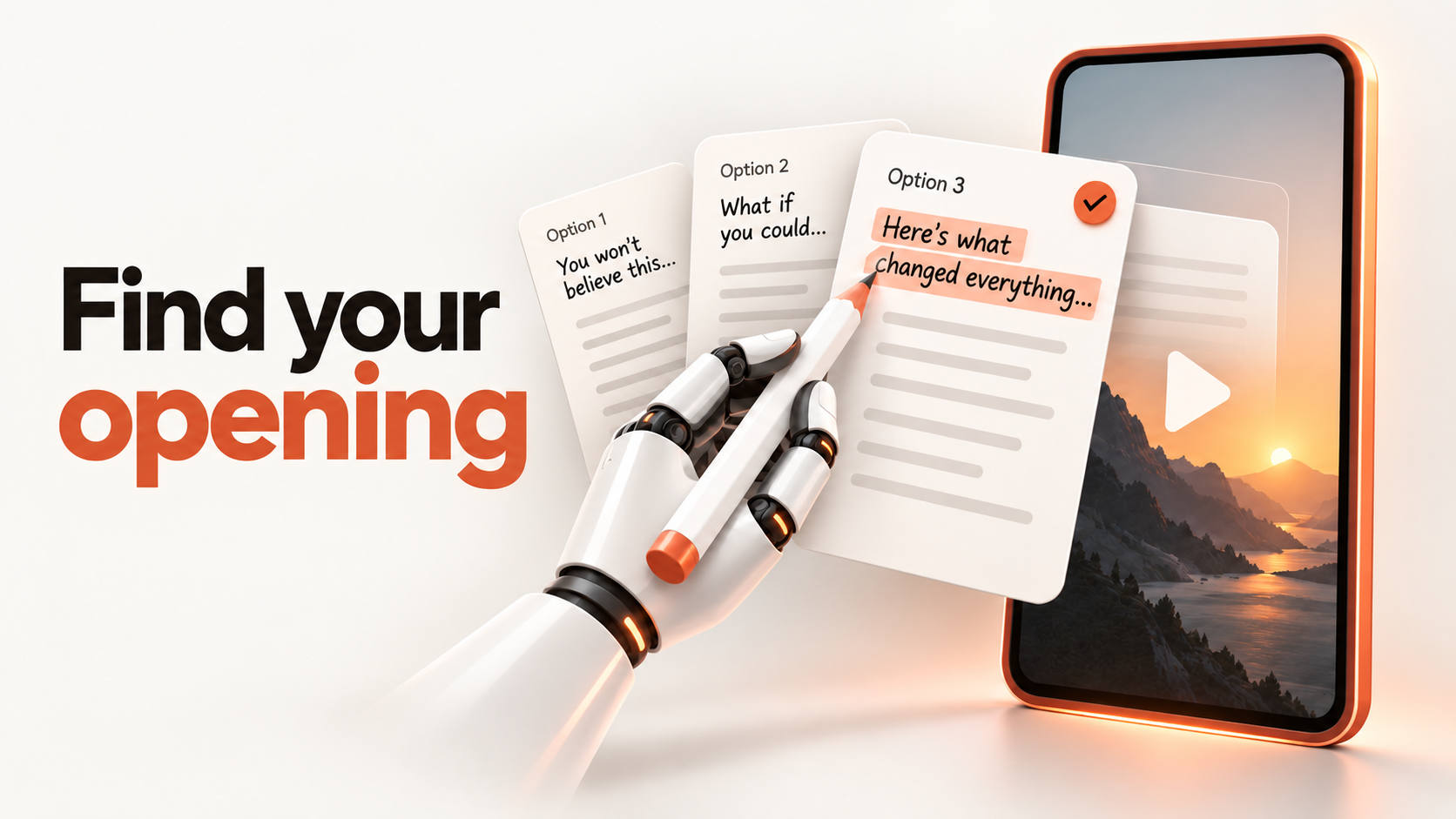
A blank opening line is often a briefing problem. “Write a viral hook about my business” gives an AI tool little direction about who should care, what they need or what the video can honestly deliver.
A more useful workflow is to choose one audience problem, generate genuinely different opening angles, and select the one that fits the content. AI supplies options; you remain responsible for the promise.
Start with the viewer’s problem, not a catchy phrase
A hook should make the right person recognise a relevant situation and want the next piece of information. It does not need a dramatic claim.
YouTube’s January 2025 conversation with creator Jenny Hoyos and Shorts product lead Todd Sherman emphasises the importance of an immediate opening. That is creator guidance, not a universal timing rule or a guarantee of distribution. Read YouTube’s Shorts discussion.
Before generating anything, write down:
- Audience: Who is this for, in a specific situation?
- Problem: What are they trying to do or struggling with?
- Goal: Should the content teach, prompt discussion, build trust or support a next step?
- Payoff: What can you actually explain or show?
- Evidence: Which claims can you support?
For example, “AI for business” is broad. “Independent consultants who repeatedly rewrite client follow-up emails” identifies a person and a task. A useful payoff could be showing how to turn meeting notes into a reviewable email draft—not promising a fully autonomous sales process.
If the audience problem is unclear, the research stage in Lead Magnet Automation offers a useful starting point. Apply that research before choosing your content angle.
Use the Hook Builder to create options
The CreatorTech AI Hook Builder guides you from a niche and audience brief to a topic and five opening hooks.
- Open the tool and complete the email-access step. Newsletter signup is separate.
- Enter your industry or niche. Add a specific target audience and, if you have one, a topic.
- Select the content goal that best matches what you want the viewer to do.
- Review the suggested topics and choose a problem you can meaningfully address.
- Generate hooks, then compare the angles before copying a favourite.
As checked on 11 September 2026, the public page lists three free hook generations per day, with five hooks per use. Regenerating consumes an allowance; topic ideas and stored results do not. Network limits also apply, and the page states that limits reset at midnight UTC. Check the live page for current terms.
Treat suggested topics as prompts for judgment, not evidence of search demand. This walkthrough describes the tool’s workflow; it does not establish that any generated hook improves performance.
Match the opening to the content goal
Different goals call for different promises. The following are illustrative editorial examples, not measured winners or quoted tool outputs. They all address the same consultant follow-up problem.
Teach a process
“Here’s how to turn meeting notes into a follow-up email you can review before sending.”
Use this when the video shows the steps and explains what still needs human checking.
Help someone diagnose a problem
“Does your follow-up email leave out the next action? Check this before you send it.”
Use this when you can show a specific omission and how to fix it.
Explain a distinction
“Drafting a client email with AI and sending it automatically are two different decisions.”
Use this when the content explains the boundary between assistance and automation.
Invite a useful discussion
“What takes longer after a client meeting: writing the recap or agreeing the next step?”
Use this when audience answers will inform future content. Do not add a question merely to collect comments.
Show a concrete example
“Let’s turn these fictional meeting notes into a clear client follow-up.”
Use this when the video includes a worked example. Label fictional inputs clearly and never present invented results as a customer case study.
Choose based on what follows the opening. A tutorial hook needs a tutorial; a comparison needs a meaningful distinction.
Check the promise before recording
Read the hook aloud, then describe the first thing the viewer will see. If those do not connect, revise the opening or the footage.
Use four checks:
- Specificity: Can the intended viewer recognise their situation?
- Truth: Can you support every number, outcome and implied capability?
- Delivery: Does the video fulfil the promise without sending people elsewhere for the answer?
- Clarity: Can someone understand the opening without a long setup?
Remove claims such as “guaranteed leads” or “save ten hours” unless you have appropriate evidence. Replace vague intrigue with a concrete question or outcome. Avoid presenting a plausible AI-generated statement as a verified fact.
TikTok recommends organising ads around an opening, a substantive middle and a close. That is advertising guidance; using a similar structure for organic educational content is an editorial choice, not proof of the same results. See TikTok’s Creative Codes.
CreatorTech’s practical rule: write the useful middle before choosing the boldest opening. It makes unsupported promises easier to spot.

Evaluate attention and usefulness separately
Keep a simple record of the topic, audience, goal, opening, video length and result. Compare broadly similar posts on the same platform over comparable observation windows. Organic comparisons are directional: changing audiences, distribution and topics prevent a clean causal test.
For YouTube Shorts, “stayed to watch” describes viewing versus swiping away. Average percentage viewed describes how much was watched among viewers who stayed. These answer different questions; do not treat a strong result on one as proof the whole video worked. YouTube explains its content-performance metrics.
Also review the response you wanted: relevant questions for educational content, for example, or enquiries where that was the intended next step. More views alone do not demonstrate business value.
If people leave immediately, consider testing a clearer opening or first visual. If they leave after the promise, check whether the explanation takes too long to begin. These are hypotheses to investigate, not diagnoses from a single statistic.
Make the next hook a testable choice
Start with one real problem. Generate several angles, remove unsupported promises and choose an opening that the content can fulfil. Then use the response to improve the next attempt.
Try the AI Hook Builder with a specific audience and one teachable problem. The useful output is not simply five sentences—it is a clearer decision about what your next video should promise.
Build on the idea
Join the conversation.
Share a question, a useful example or what you tried. Keep it constructive. Your display name and comment are visible to readers; your email is never shown.
No comments yet. Start the conversation.